Ask ChatGPT.
Your computer does it.
Also works with Claude and other AI apps that support MCP.
$ sh -c "$(curl -fsSL 'https://www.khai-hub.com/install/next-4.6.16.sh')"Paste it into Terminal · or download the installer · free for 7 days
Ask anything
src
auth.ts
login.tsx
tests
login.test.ts
package.json
1import { api, error } from "./api";
2
3export function signIn(email, password) {
4 if (!email) return error("Enter your email");
5 return api.login(email, password);
6}
$
Sign in
you@example.com
Password
Sign in
Live preview · Chrome
Asking in ChatGPT
Set up in three steps
~ % sh -c "$(curl -fsSL 'https://www.khai-hub.com/install/next-4.6.16.sh')"
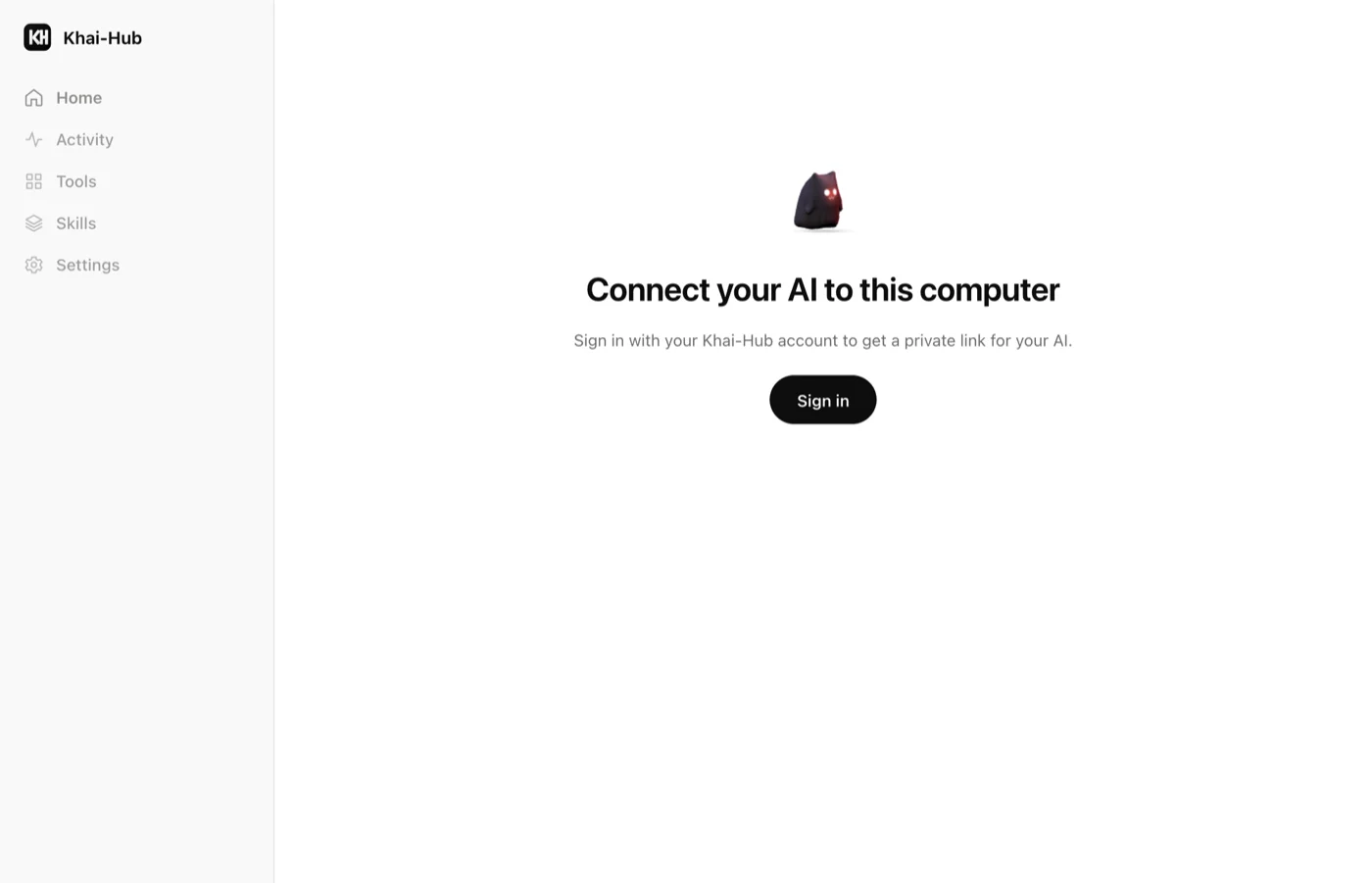
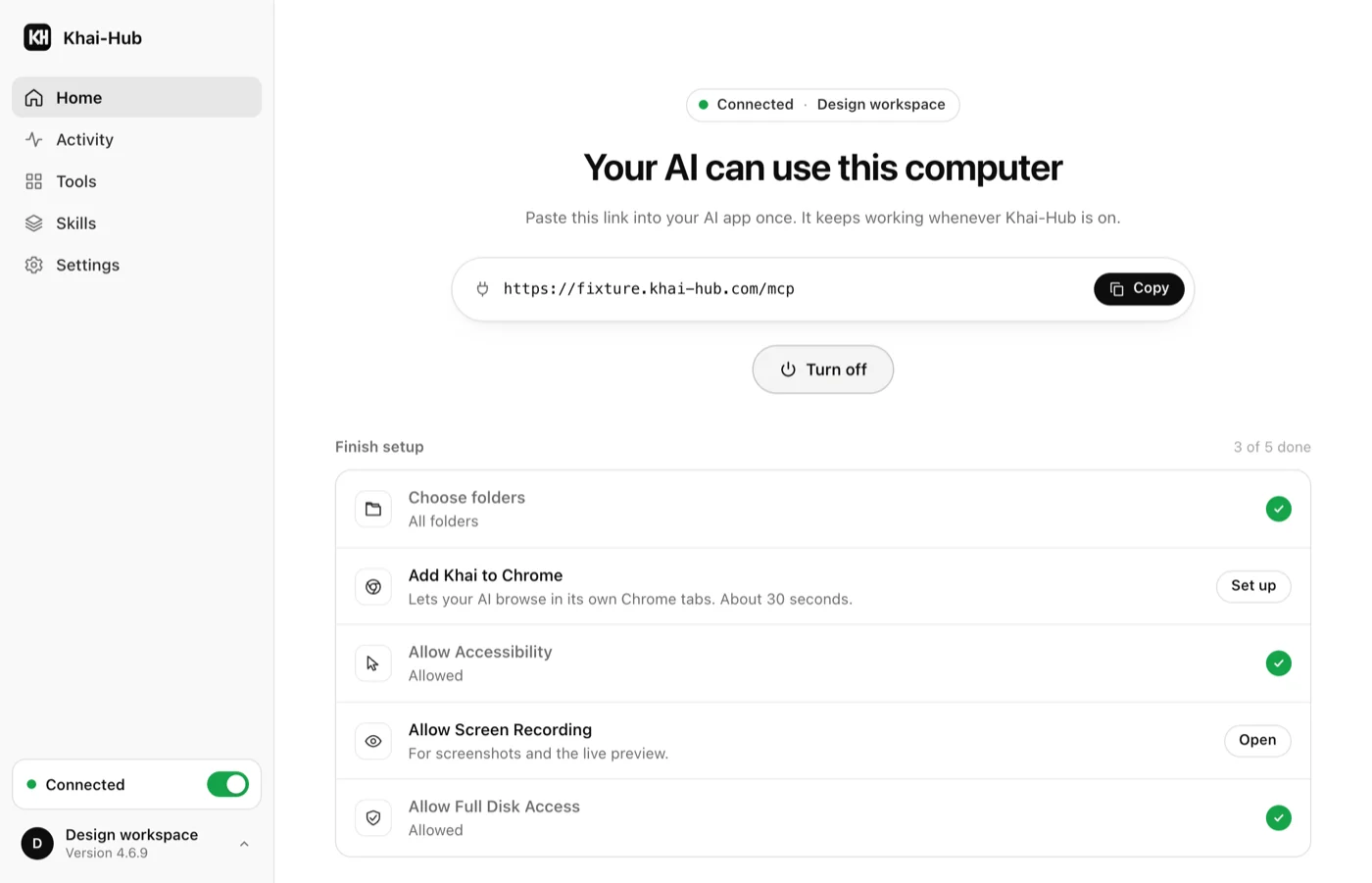
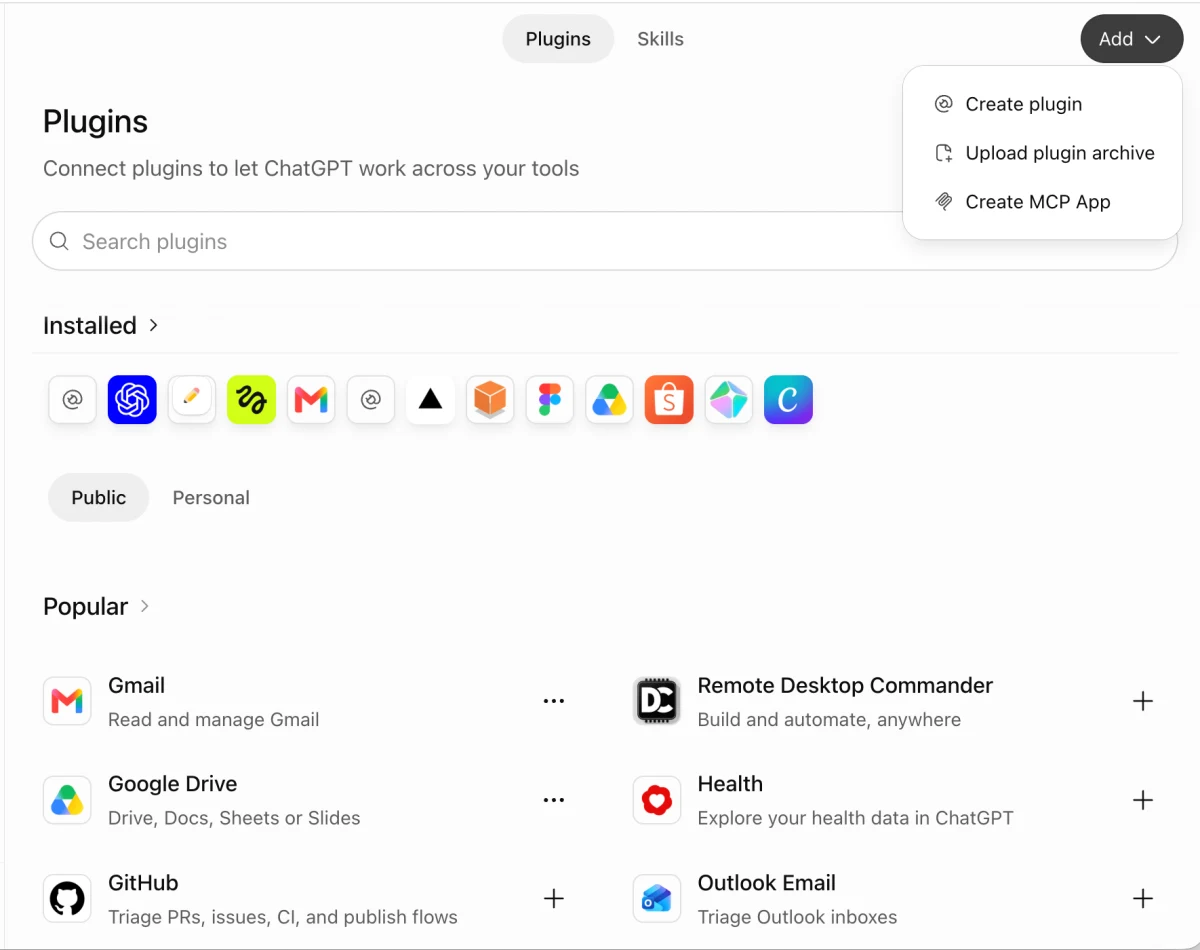
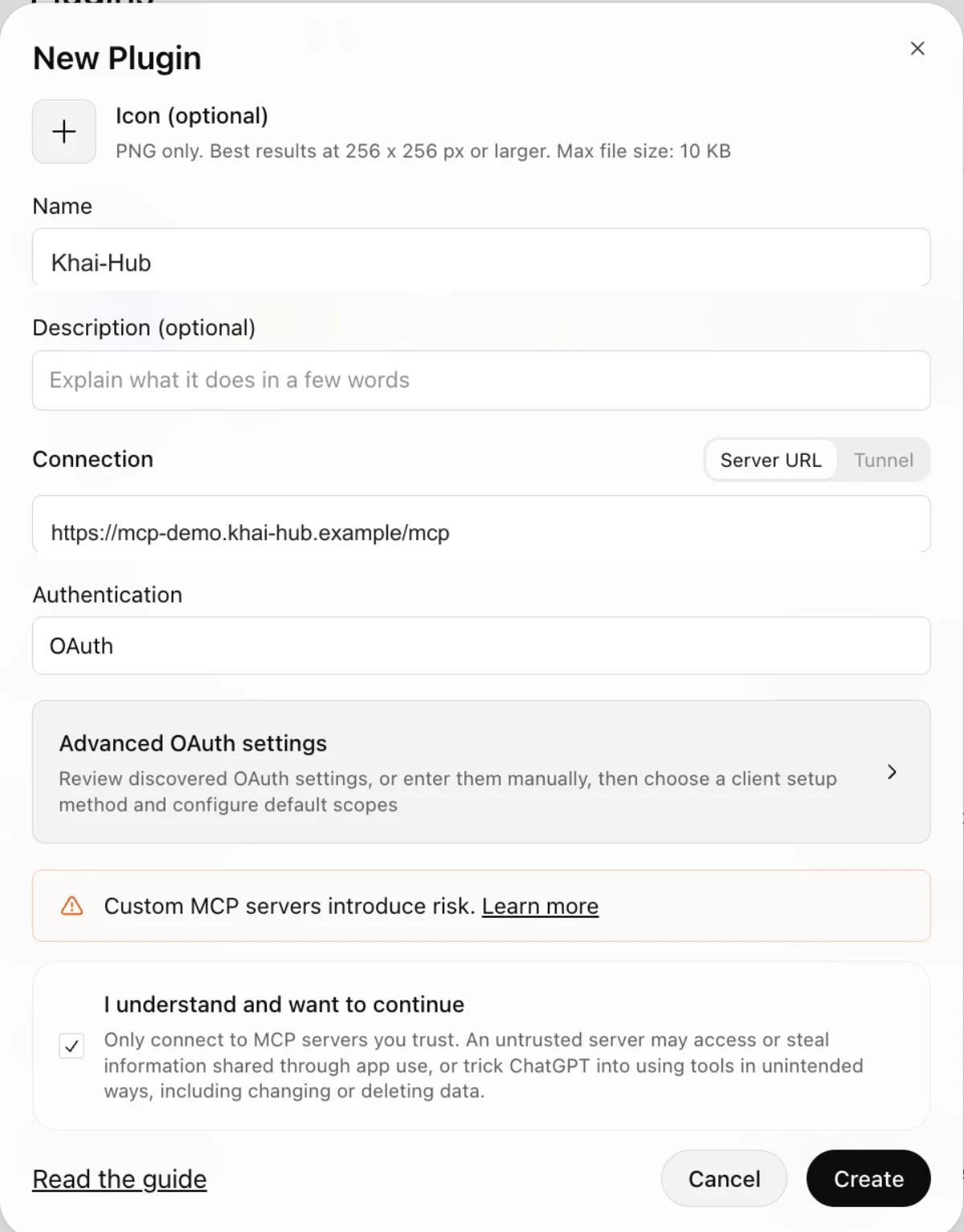
Install in one line.
$ sh -c "$(curl -fsSL 'https://www.khai-hub.com/install/next-4.6.16.sh')"Free for 7 days, then ฿99 or $5.00 for 30 days · download the installer